

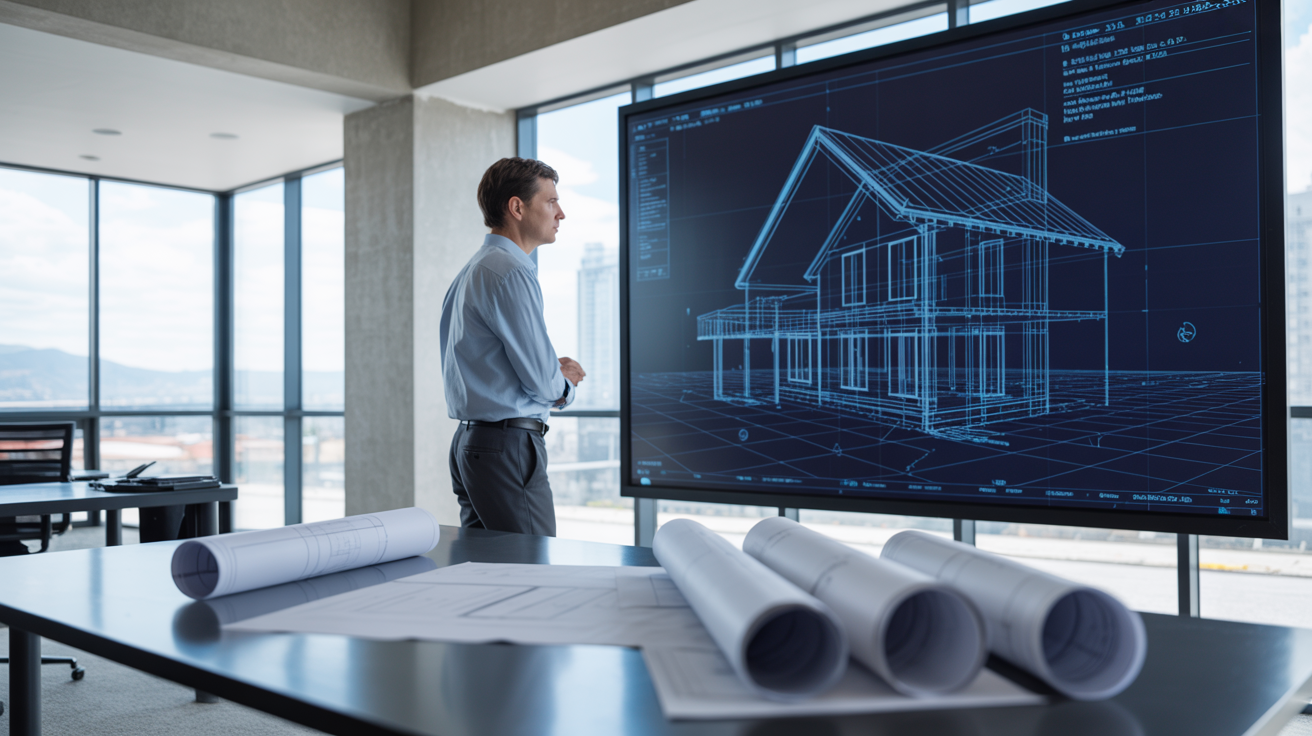
Walk onto a residential job site today and you'll spot something missing. Those big paper rolls stuffed under arms, the coffee-stained drawings tacked to plywood walls — they're vanishing. Not all at once, but fast enough that even small custom home builders are starting to notice. The replacement? BIM. Building Information Modeling. A digital way of designing and tracking every part of a house before, during, and after it goes up. Some folks see it as overkill for residential work. I think the opposite. Once you've watched a framer catch a duct conflict on a tablet in thirty seconds — something that used to mean a torn-out wall and a yelling match — you don't really go back.
This piece walks through what's actually changing on home builds, and why blueprints are getting shoved aside.
What BIM Actually Means in Home Construction
BIM isn't just fancy software for skyscrapers. At its simplest, it's a 3D model of a house with data baked into every wall, beam, pipe, and outlet. The model knows what each piece is, where it sits, what it costs, who installs it. That's a big jump from a drawing that only shows lines and dimensions.
From Flat Drawings to Live 3D Models
Traditional plans give you orthographic views. Floor plan, elevation, section. You read them, you build mental pictures, you hope your mental picture matches the next person's. Honestly? It rarely does. A 3D model removes that guesswork. The framer sees the same thing as the architect, who sees the same thing as the homeowner picking finishes.
Models also update in real time. Change a window size in one view and every related drawing shifts to match. No more "wait, which version is this?" while three crews wait around.
BIM vs CAD — Why They're Not the Same Thing
People mix these up all the time. CAD is digital drafting. Lines on a screen instead of lines on paper. BIM is something else — a database wearing a 3D skin. Each object inside it carries info about itself. Material, manufacturer, R-value, weight, installation date.
So CAD shows you a wall. BIM tells you what that wall is made of, what it cost, and whether anything inside it clashes with the HVAC trunk above it.
The Cracks in Paper Blueprints Builders Can't Ignore
I've been on enough framing crews to say this honestly: paper drawings cause problems. Most days you don't think about it. Then one bad day swallows your margin for the whole project.
Small Mistakes That Snowball Into Big Costs
A misread dimension on page A3.1 turns into a wall framed two inches off. Two inches feels harmless. Until cabinets show up. Until the tile guy says the layout won't center on the tub. Suddenly there's a punch list ten items long and someone's eating the cost. Maybe you, maybe the sub. Either way — money gone.
BIM catches a lot of that before lumber gets cut. The model won't let two things occupy the same space without flagging it.
Outdated Drawings Floating Around the Job Site
This one's almost funny if it wasn't so common. The architect revises the kitchen layout. Email goes out. Plumber never opens it. Plumber roughs in the sink based on a version from three weeks ago. Now there's a drain stub in the wrong stud bay and a $1,200 fix.
With a cloud-hosted model, everyone pulls from the same source. Old PDFs stop being a thing. Mostly.
Communication Gaps Between Trades
Framers talk to framers. Electricians talk to electricians. Trades rarely sit in the same room reading the same sheet. Blueprints make it worse — each trade only really studies their own pages. A model forces some shared ground. You see your stuff and what's next to it. Hard to ignore a conflict when it's right there in red.
How BIM Coordinates Trades in a Way Blueprints Never Could
Coordination is where BIM earns its keep on residential projects. Custom homes especially. The bigger and weirder the house, the more places things can go wrong between subs.
Clash Detection Before Anyone Swings a Hammer
Clash detection is the tool that made me a believer. The software scans the model and points out every spot where two things overlap. A joist running through a duct. A recessed light landing on a truss. Plumbing stack passing through a beam.
You fix it on screen. Takes maybe an hour. Same fix in the field? Could be a week and a few thousand bucks.
Electrical, Plumbing, and HVAC Lined Up From Day One
This is where smaller builders sometimes resist BIM the loudest. "We don't need that on a 2,400 sq ft house." Maybe not for a basic build. But the second a homeowner asks for radiant floors, recessed everything, and a media room ceiling stacked with speakers — coordination becomes a real headache.
Bigger residential firms started hiring outside specialists for this kind of work. Companies like SJS VDC, which offers BIM services for electrical contractors, bring the modeling chops without forcing the builder to buy software they'll touch twice a year. Outsourcing the model has become a normal way to get the benefit without the overhead.
Real-Time Decisions on Site
A super walks the framing with a tablet. Sees a duct route that's going to cramp a closet ceiling. Pings the mechanical sub through the model. Sub adjusts the route, pushes the change. Whole thing takes ten minutes instead of three days of phone tag.
That kind of speed used to belong to commercial jobs. Now it's showing up on custom homes.
Time and Money Saved on Residential Builds
Money talks. Builders care about timelines and margins. So let's talk about what BIM actually moves on the bottom line.
Fewer Change Orders Mid-Project
Change orders eat profit. They also burn trust with clients. Most change orders happen because something didn't get caught in design — a beam in the wrong place, a window that won't clear a vanity, a stair run that doesn't land where the plans said.
BIM doesn't kill every change order. It kills a lot of them. Studies from larger contractors show drops of 30 to 60 percent in field-driven changes once a project goes BIM-first.
More Accurate Material Takeoffs
Estimators love this part. The model spits out exact counts. Studs, sheets of drywall, linear feet of electrical wire, square feet of tile. No more rough takeoffs based on a takeoff guy's experience and a calculator.
Tighter numbers mean tighter bids. Tighter bids win more work.
Less Waste Heading to the Dumpster
Construction waste is brutal. By weight, residential builds throw out 4 to 5 pounds of material per square foot of house. Some of that's unavoidable. A chunk of it isn't — it's stuff cut wrong, ordered wrong, or framed wrong. Models reduce the wrong-stuff problem. You order what the model says, not what someone guessed.
What Homeowners Actually Get From a BIM-Built Project
People sometimes forget the homeowner side. They're the ones writing checks. Giving them a better experience matters.
Walking the House Before the Foundation Is Poured
VR walkthroughs aren't a gimmick anymore. Slap on a headset, stand in your kitchen. Look up — see the ceiling height. Look out the window — see what the view will actually be. Most clients can't read a floor plan to save their life. A walkthrough changes that overnight.
Better Calls on Finishes, Layout, and Lighting
I had a client last spring swear they wanted black window frames. We dropped them into the model. They hated it. Switched to bronze in five minutes. No agonizing later. No "I wish we'd gone the other way."
That kind of low-stakes preview is huge for nervous first-time builders.
A Digital Record That Sticks Around After Move-In
Years later, when the homeowner wants to hang a heavy mirror, they can pull up the model and see exactly where the studs run. Want to add a circuit? The wiring's mapped. Need to find that valve buried behind drywall? It's documented. Blueprints get lost in basements. Models live in the cloud.
Why Some Builders Still Drag Their Feet on BIM
Not everyone's sold. And I get it. Change costs something. Old methods feel safer.
The Learning Curve Is Real
Revit, Archicad, Vectorworks — none of them are easy. A drafter who's been doing AutoCAD for twenty years isn't going to switch in a weekend. Real adoption takes months. Some shops don't have the time or the patience.
Software Costs vs Long-Term Payoff
Licenses aren't cheap. A serious BIM seat runs a few thousand a year. Multiply that by a small team and suddenly your overhead jumped. The payoff comes — but it comes over time. Cash-tight builders sometimes can't wait.
Working With BIM Specialists Instead of Going It Alone
Honestly this is the move I'd push for most small to mid-size residential firms. Don't buy the seats. Don't train the staff. Hire a BIM modeling firm per project. Pay only for what you need. The math works out better for most builders running under 20 homes a year.
Where Home Construction Documentation Is Headed
The shift isn't slowing down. If anything it's speeding up, partly because younger builders and architects grew up on this stuff and refuse to go back.
BIM Data Feeding Smart Home Systems
Smart thermostats, smart lighting, occupancy sensors — they all need data about the building they live in. Square footage. Ceiling height. Window orientation. Insulation values. A BIM model hands that over on a silver platter. Trying to feed the same info from paper plans? Painful.
Renovations Made Easier With an Existing Model
Five years from now, when a homeowner wants to add a sunroom or finish the basement, the second build starts from the existing model. No more demo to find out what's behind the drywall. The model already knows.
Permitting Offices Starting to Catch Up
Some cities now accept — or prefer — model-based submittals. Estimating fees, zoning compliance, energy calcs… all easier when the data's structured. Adoption's uneven across the country. West Coast cities are ahead. Plenty of smaller municipalities still want paper. That'll shift over the next decade or so. Probably faster than people expect.
